Long Time No See — The Stoked Dispatch, September 2026
The last Dispatch went out June 15. It is now September.
We took summer at a slower pace, at least the part where we tell you about it. The team took actual vacations. We spent real time with the brands already using Stoked, and real time thinking about where advocate programs go next for DTC. The short version of what I landed on: advocate programs don’t die because the advocates are bad. They die of admin friction. That kind of work doesn’t produce a newsletter. It does produce features, and this batch is what that conclusion looks like once it’s built.
Three months of them, sorted into one theme: Stoked got better at knowing things. What a conversation is about before you read it. Which of your advocates is closest to the person asking. Who’s on vacation and when they’re back. And when a thread has gone quiet long enough that picking it back up needs a re-introduction.
That last one is why this post is called what it’s called. Let’s get into it.
Headline Features
The Inbox Now Reads the Thread So You Don’t Have To
You open the inbox on a Monday and there are forty open conversations. Some are humming along. Some stalled three weeks ago. One contains a prospect who is, right now, mildly furious about a shipping estimate, and you won’t find out until message eleven.
The old answer was to read everything. That works at eight conversations. It falls apart at forty.
Every conversation now carries an AI summary, in the inbox card and on the conversation page, in two parts:
- Who & what. The durable stuff. Who this person is, where they are, what they’re shopping for, and any constraints. The garage that’s only 60 inches deep. The spouse who needs convincing.
- Status. Where it stands right now. The latest ask, the decision that got made, the next step someone’s waiting on.
It refreshes a few minutes after new messages land, and it holds up on long threads. Summaries name people now (“Mary (Advocate),” “John (Prospect)”) instead of the anthropological “the advocate said,” and the status leads with the outcome rather than restating a plan from two weeks ago.
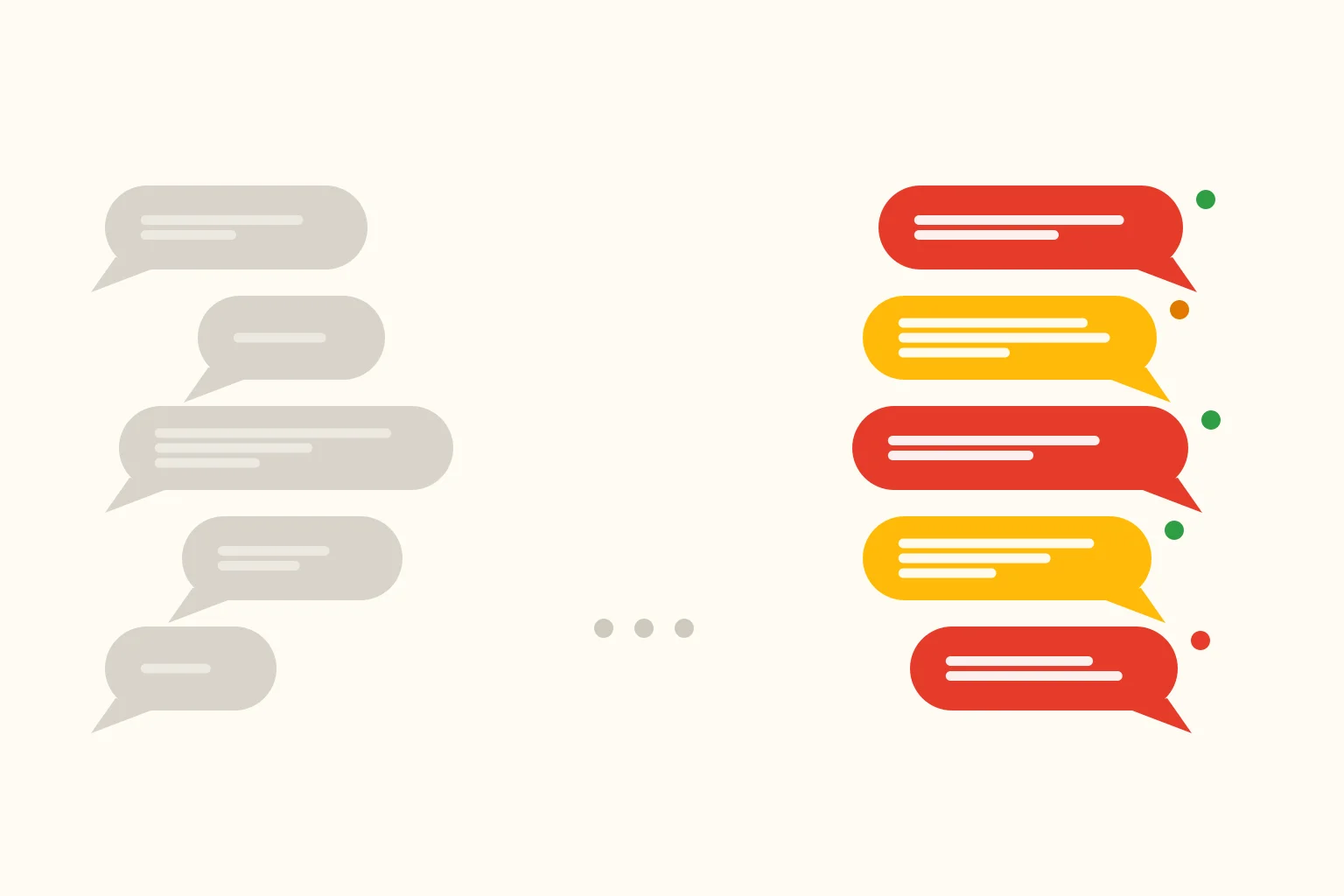
Then the part I keep showing people: two-sided sentiment. The prospect’s messages and the advocate’s messages get scored separately, red / yellow / green, right under the summary, because they’re different problems. A red prospect with a green advocate is a hard question your advocate is handling well. A green prospect with a red advocate is usually someone running low on steam, and surfacing that means you can offer them a break before they go quiet on a buyer.
To be clear about what the advocate side is for: looking after your advocates, not ranking them. It’s admin-only, advocates don’t see their own score, and it’s a nudge to check in on someone rather than a performance review. A terse texter and an unhappy one look more alike than any model can reliably tell.
Why your brand cares: “read all forty threads every morning” was never a plan. It was a hope. Now you triage in thirty seconds. None of this decides anything for you: it’s an at-a-glance layer so you get up to speed fast, then go read the thread that matters. Nothing to turn on. KB: The Inbox.
Quick Replies: Renamed, Suggested, and Finally Where Advocates Can See Them
Housekeeping first: canned responses are now Quick Replies. Same feature, nothing to migrate. “Canned response” always sounded like something you’d apologize for sending.
Now the real problem. You wrote great Quick Replies: the coupon code, the waiver link, the “here’s how I’d size that for you.” Your advocates weren’t using them, because they lived behind a small button labeled More, and nobody clicks a button labeled More to find out what’s in it.
So we put them on the screen.
- Up to four Quick Replies now sit as buttons directly above the message box, in the order your admins arranged them in Settings. Tap one, it drops into the box, edit it, send it.
- The suggested one leads. A fast AI model ranks your Quick Replies for this moment and sorts the best fit to the front with a suggested badge. It never writes its own. It only ranks replies your admins wrote, and when nothing fits it suggests nothing. The composer still opens empty, and typing is still the default path. This is discovery, not autopilot: a way to surface the reply an advocate was already hunting for, in one tap instead of six.
- You can coach the suggestions. Every Quick Reply has an optional AI instructions field: a private note describing when it should come up (“suggest after a test ride or demo; skip refund and shipping questions”). It’s machine-only, so advocates and prospects never see it.
- The slash got optional. Now
waiver,/waiver,Waiver, andWaiver!all resolve to the same reply, and one named “needs help” triggers on plainneeds help. Only an exact match expands, so “Please sign the waiver” sends as written. - Plus icons (gift, calendar, ticket, heart) so the rail is scannable, and a Clear button, because un-tapping the wrong reply shouldn’t take forty backspaces.
Why your brand cares: your advocates are volunteers with day jobs, texting from a parking lot. Every extra tap between them and the right message is a message that doesn’t get sent, or one that goes out without the discount code you spent a meeting deciding on. Put the replies in front of them and you get brand consistency instead of vibes. KB: Quick Replies for admins and for advocates.
Finding the Right Advocate, Without Opening a Second Tab
A prospect writes in from Boise. You need the nearest advocate who’s active, visible, and not on vacation. Until this summer that meant the public map in one tab, the admin in another, and some squinting.
The advocate list now has a Map view. Toggle /advocates between the table you know and a map of your community, with your search and filters carrying across both. Hover a pin for a card with photo, location, status, and one-click View Profile / Introduce. Pins that overlap fan apart so each one stays clickable, then glide back together as you zoom. Anyone hidden from the map or missing a location still shows up in List view, so nobody quietly disappears.
Then we fixed the searching itself:
- A location search no longer comes back empty. It used to look 20 miles out and return a blank map if your closest advocate was 24 miles away. Technically accurate, practically useless. Now it returns advocates nearest-first with no radius cap, and you add
distance:25miwhen you actually want a limit. Both maps drop a pin at the spot you searched, and hovering an advocate tells you how far they are from it (“13 miles away”). - Just type the place. No
location:prefix, no quotes. A ZIP, a city, a state, or a full address gives you a location search sorted by distance, and the box rewrites itself to the explicit form so you can see how it was read. Names still win: it only falls back to geography when nothing matches. Works outside the US too. - A “Search by” menu on the Advocates and Prospects lists now names every filter you can type (location, distance, status, contact, visibility, tags, SMS), with a click-to-insert. Proximity search had been in there for ages with no button anywhere.
Why your brand cares: the match is the product. A prospect connected to an owner 12 miles away can go see the thing in person. One connected to an owner three states away gets a text thread. KB: Searching and filtering and Advocate search.
Advocates Who Can Run Their Own Program
The quiet through-line of the summer: your advocates should be able to handle their own stuff without emailing you first.
Time away. Advocates now schedule their own away periods from a Time Away page on the advocate site. Pick the dates, add an optional away message that replaces the message form on their profile, and it turns itself back on when the return date arrives. Away keeps them visible but pauses new messages; Paused also pulls them off the listing and the map. Either way it only pauses new prospects, so people they’re already talking with still get through. Admins can schedule it on an advocate’s behalf, and the roster shows Away / Paused badges. KB: for advocates, for admins.
Approved advocates can sign in immediately. No more waiting on activation after an approval or a bulk import. They request a login code by email or text, and verifying either one activates them. Previously only phone verification did, which left email-only advocates stuck outside the door holding a valid invitation. KB: Managing advocate status.
A getting-started checklist instead of a welcome banner. New advocates see concrete steps: add a photo, tell people about yourself, add a phone number, share a testimonial. Anything they already have shows checked off, so a batch migrated in from another platform only sees what’s missing.
Waivers got two finishing touches. Every active waiver now has a public read-only URL under Settings → Waiver Templates, next to Preview. It always shows the current version, so you can link the real terms from your handbook instead of copy-pasting legal language that goes stale the moment you edit the waiver. On the admin side, a “Waiver signed” pill now sits at the top of the conversation page, so you stop scrolling a long thread hunting for one line.
And the one this Dispatch is named after. When a prospect resurfaces on a conversation that’s been quiet for weeks, the advocate used to get a bare reply notification: a name and a message, no context. Which reads like a text from a stranger, and gets treated like one. Now:
Hi Lelac, Claire B. picked your Bunch Squad conversation back up after 11 months:
Can I rent your bike when it’s available this week? Thanks.
You can reply directly to this message, or tap the link to see everything you two discussed before:
It names the prospect, says how long it’s been, and points at the existing thread instead of pretending this is a fresh introduction. The Reopened Conversation Notification threshold is four weeks by default and yours to change under Settings → Inbox → Dormant Conversation Greeting. Anything more recent still arrives as a normal reply, and you can edit the wording under Settings → Message Templates.
Why your brand cares: every one of these is a support ticket that doesn’t get filed. An advocate going on vacation shouldn’t have to email you to avoid ghosting a buyer. And when a prospect comes back nine months later with money in hand, the worst possible response is an advocate replying “sorry, who’s this?”
Quick Hits
Billing you can actually manage
Settings → Billing now shows your plan, what it includes, and lets you change it without emailing us. Update your card and pull past invoices from the same page. Revolutionary in 2004, but here we are.
Admins are now Team Members
The rename reflects reality, since not everyone on your team is an admin. More usefully, Settings now has its own permission. You can hand someone the inbox and the advocate roster without also handing them your billing page.
Self-serve privacy tools
Look up, export, or erase a person’s data yourself, with a documented privacy contact. There’s also a cookie consent banner for your community site, advocate site, and embeds. For anyone with EU customers who’d rather not think about this again.
Know which conversations are aging
A reply-urgency clock on inbox cards shows which threads are waiting on someone, and the Active and Snoozed tabs now carry live counts.
Emails show up in the Message Log
The Message Log covered texts. It now logs transactional email too. “Did that actually go out?” is one question with one answer, whatever the channel.
Four more places you can run a program
Puerto Rico, Guam, the US Virgin Islands, and the Bahamas joined as supported countries. Phone formatting, address handling, and messaging all set up properly rather than approximately.
iPhone photos just work
HEIC uploads are accepted instead of silently failing, and a failed upload now tells you why. Waiver signers’ names also fill in their prospect record automatically, so you stop seeing conversations with a phone number where a name should be.
A tidier Settings, and one icon picker
Settings and Operations got a navigation redesign, and every icon picker now searches one unified library instead of three partial ones. There’s also a new Application funnel report in Analytics, showing where applicants drop off.
Under the Hood
Three months of quieter work. Admin pages that used to crawl on large rosters got meaningfully faster: the advocate list, the photo grid, advocate search, and the dashboard’s visitor stats. A prospect’s first message submits noticeably quicker, because work that used to happen while they waited now happens right after they’ve been thanked.
We also tightened security on every public page you run. Your community site refuses to run anything we didn’t put there ourselves, and anything unexpected gets reported to us automatically. And your community pages now get submitted to search engines as soon as they change, rather than whenever a crawler wanders by.
Faster, safer, and louder when something breaks. Preferably in that order.
Looking Back, Looking Forward
Eight Dispatches now, from a dashboard that tells you something last November through proof, signed and sealed and delivered in June. And this summer: Stoked started paying attention.
The first year of this product was about building the pieces: a map, an inbox, waivers, rewards, a place for conversations to happen. This summer was about the software noticing what’s inside those pieces. Reading a thread so you don’t have to. Knowing who’s closest, and who’s away. Knowing that eleven months is a long time, and somebody’s going to need a reminder.
That’s what this software should do. Not just hold your conversations, but keep you close enough to them to act on the ones that matter.
There’s more coming, aimed at the same thing: less friction between you and the conversation. What I won’t do is tell you what it is. June’s Dispatch ended with a list of what was next, and some of that list is still next. That’s on me for publishing it. From here this newsletter covers what shipped, not what’s coming. Probably sooner than eleven weeks.
Have feedback, or want to tell me which of these you’d have prioritized differently? Reply here, hit the in-app feedback button, or email stoked-help@stokedhq.com.
More from The Stoked Dispatch:
- Signed, Sealed, Delivered — The Stoked Dispatch, June 2026
- Better Late Than Never — The Stoked Dispatch, May 2026
- Reward, Release, Respond — The Stoked Dispatch, March 2026
- This One Goes to Eleven — The Stoked Dispatch, February 2026
- Find Your People (Faster) — The Stoked Dispatch, January 2026
- One Inbox to Rule Them All — The Stoked Dispatch, December 2025
More from the Stoked blog: